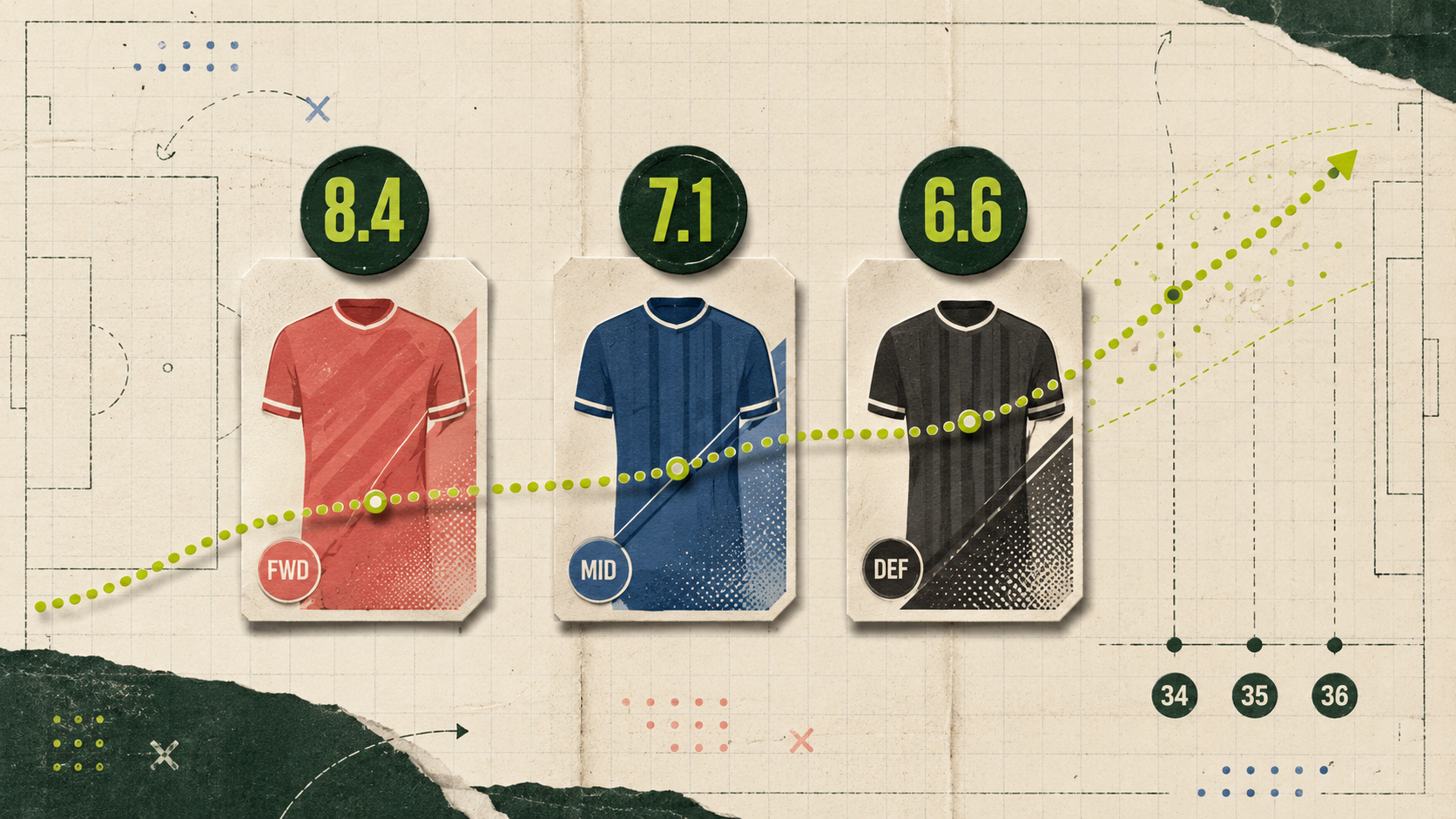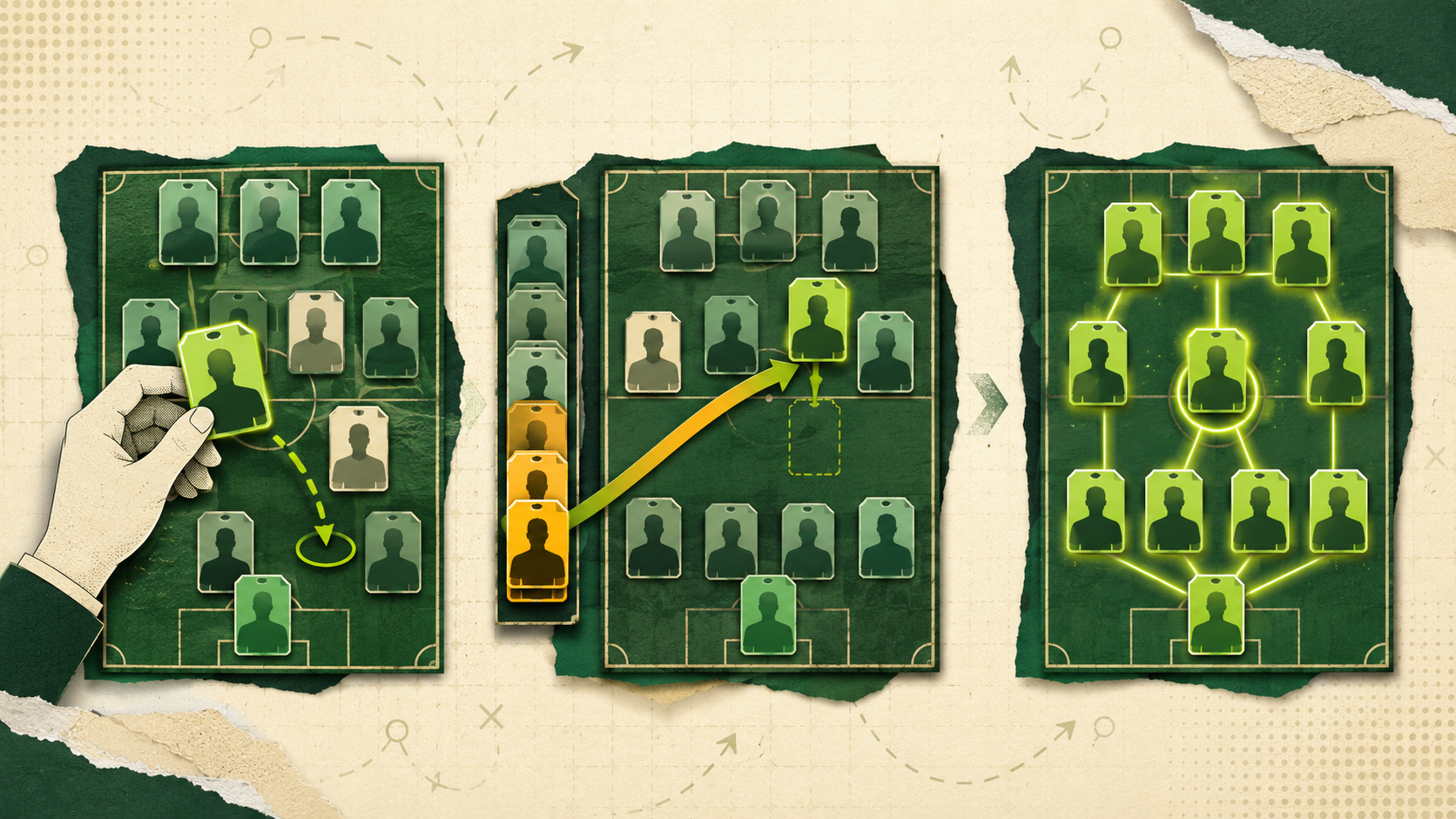
Some leagues want every selection mistake to count. Others want protection when a starter never leaves the bench. Some groups would rather skip weekly lineup setting completely and let the strongest legal XI win.
TFF lineup modes give commissioners those choices. Instead of a single automatic-substitution switch, every league can choose Manager, Super Sub or Best XI. The mode determines how each team's scoring lineup is confirmed when the Gameweek becomes Final.
What stays the same in every mode
Every manager drafts 16 active players and fields the lineup the commissioner chose. The default is 1 goalkeeper, 3 defenders, 3 midfielders, 2 forwards and 2 FLEX players, with the other 5 of a 16-player squad on the bench. A FLEX can be any outfield player. Commissioners can change the slot counts, roster size and injured reserve before the draft is scheduled. Injured reserve sits outside the active roster. The default cap is 2, and a league can set it to 0, 1 or 2.
There is still no single Gameweek deadline. Each player locks when their club's first fixture of the Gameweek kicks off. The lineup mode changes how the Final XI is chosen, not the scoring model, player locks or squad rules. If moving a player out of injured reserve would take the active roster above the league's roster size, somebody must be dropped first.
The three lineup modes at a glance
| Mode | Who chooses the XI? | What happens at Final? | Best for |
|---|---|---|---|
| Manager | The manager | The saved, locked XI scores exactly as selected | Leagues that want every lineup decision to count |
| Super Sub | The manager, with an ordered bench | Eligible 0-minute starters can be replaced by appearing bench players | Leagues that want active management with DNP protection |
| Best XI | TFF | The highest-scoring legal XI is selected from the active roster | Leagues that prefer roster building over weekly selection |
All three still reward drafting, waivers, free agents and trades. What changes is how much responsibility sits with the manager when selecting the weekly XI.
Manager: Manual lineup
Manager is the default and the most hands-on option. You set and save your starting XI before players lock. When the Gameweek becomes Final, that locked XI is scored exactly as you left it. There are no automatic substitutions, so a starter who records 0 minutes remains in the team.
The bench only helps if you move somebody into the XI before they lock. This mode suits leagues that want team news, fixture timing and selection calls to be part of the competition. A strong squad matters, but choosing the wrong 11 can still cost you the matchup.
Super Sub: Automatic substitutions
Super Sub keeps the weekly selection decision while adding protection against a starter who does not play. You still choose and save the XI, then order the bench from Priority 1 to 5. Live Matchup pages continue to show the lineup you selected throughout the Gameweek.
When the Gameweek becomes Final, an eligible starter with 0 minutes can be replaced by an appearing bench player, provided the substitution still creates a legal XI. TFF follows your bench priority and can use an eligible player through a FLEX place. Super Sub does not replace somebody who played badly or made a brief appearance, and it does not run during the Gameweek. It protects against a genuine non-appearance without removing the need to manage your team.
Best XI: Automatic lineup
Best XI removes weekly starter and bench decisions. At Final, TFF selects the highest-scoring valid XI from the active roster, using everyone placed across the starting and bench slots. It never pulls players from injured reserve or from unplaced reserves. The chosen Best XI is then saved as the official lineup in the matchup history.
Before kickoff, My Team and Matchup show a display-only Best XI using form projections. As fixtures begin, that view combines actual scores with projections for players still to play. There are no starter or bench swaps and no lock icons because the pitch is being calculated rather than manually set. Managers still control injured reserve, waivers, free agents and trades. When a player leaves injured reserve, they are automatically placed into an empty squad slot, provided the active roster remains within 16.
What changes week to week?
In Manager, check fixtures and team news, choose the best 11 and make every change before the relevant player locks. In Super Sub, do the same work but also order the bench carefully, because Priority 1 gets the first chance to replace an eligible 0-minute starter.
In Best XI, there is no weekly lineup to set. Your attention shifts towards building the best active 16, keeping injured reserve accurate and improving the squad through transactions. It is more forgiving when life gets busy, but it does not remove strategy. Weak roster depth still limits the XI the system can find.
What commissioners need to know
The commissioner selects the lineup mode when creating the league or through league settings. New leagues default to Manager. A mode can be changed during the season only after the current Gameweek is Final and before the next Gameweek's first kickoff, using the same window as other scoring-option changes.
The change applies from that point forward. It does not rewrite matchups that are already Final, and managers receive a notification when the commissioner changes the mode. That means a league can adjust its format without changing the history that produced the current standings.
Which lineup mode should your league choose?
Choose Manager if your group wants the purest test of weekly selection and accepts that a missed team update can hurt. Choose Super Sub if managers still want to pick their XI but prefer sensible protection from unexpected non-appearances. Choose Best XI if your league wants the focus on drafting and season-long squad building, with less weekly admin.
There is no universally correct mode. The right one is the version your managers will enjoy for a full season. For more help with the manual side of the game, read how to set your draft fantasy lineup. When your group has made its choice, create your TFF league and set the lineup mode that fits.