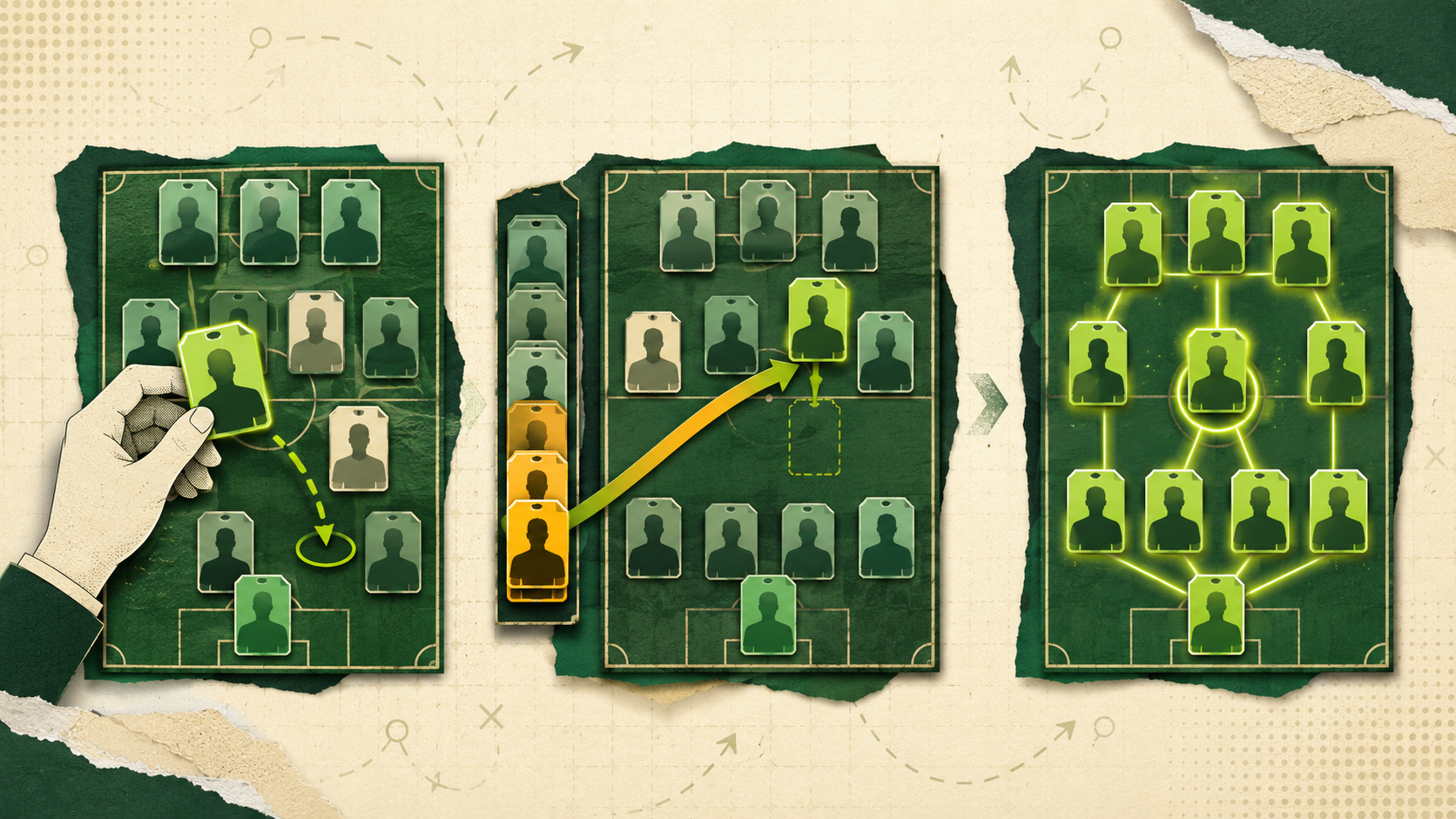
Already completed your draft somewhere else? You do not need to run it again to move the league into Top Four Fantasy. TFF's Offline draft lets the commissioner recreate every current squad, set the draft order and activate a new live league around the players everyone already owns.
This is not a direct connection to another platform. TFF does not pull a league across from an account or league ID. Instead, the commissioner records the existing squads using player search, pasted team lists, team photos or a screenshot of the full draft board. It gives your group a practical route into TFF without pretending the original draft happened inside the platform.
Create and fill the TFF league first
Start by creating the TFF league and choosing its size, scoring model, cup and playoff settings. Every seat must then be occupied by a human manager or bot before Offline draft becomes available. Human managers join with the league's invite code and need commissioner approval, while bots can fill any remaining places.
Once the league is full, open Manage league and select Offline draft. If an online draft has already been scheduled, it must be cancelled first. Opening Offline draft starts the staging process and freezes the league's core settings, so agree the format before you begin assigning players.
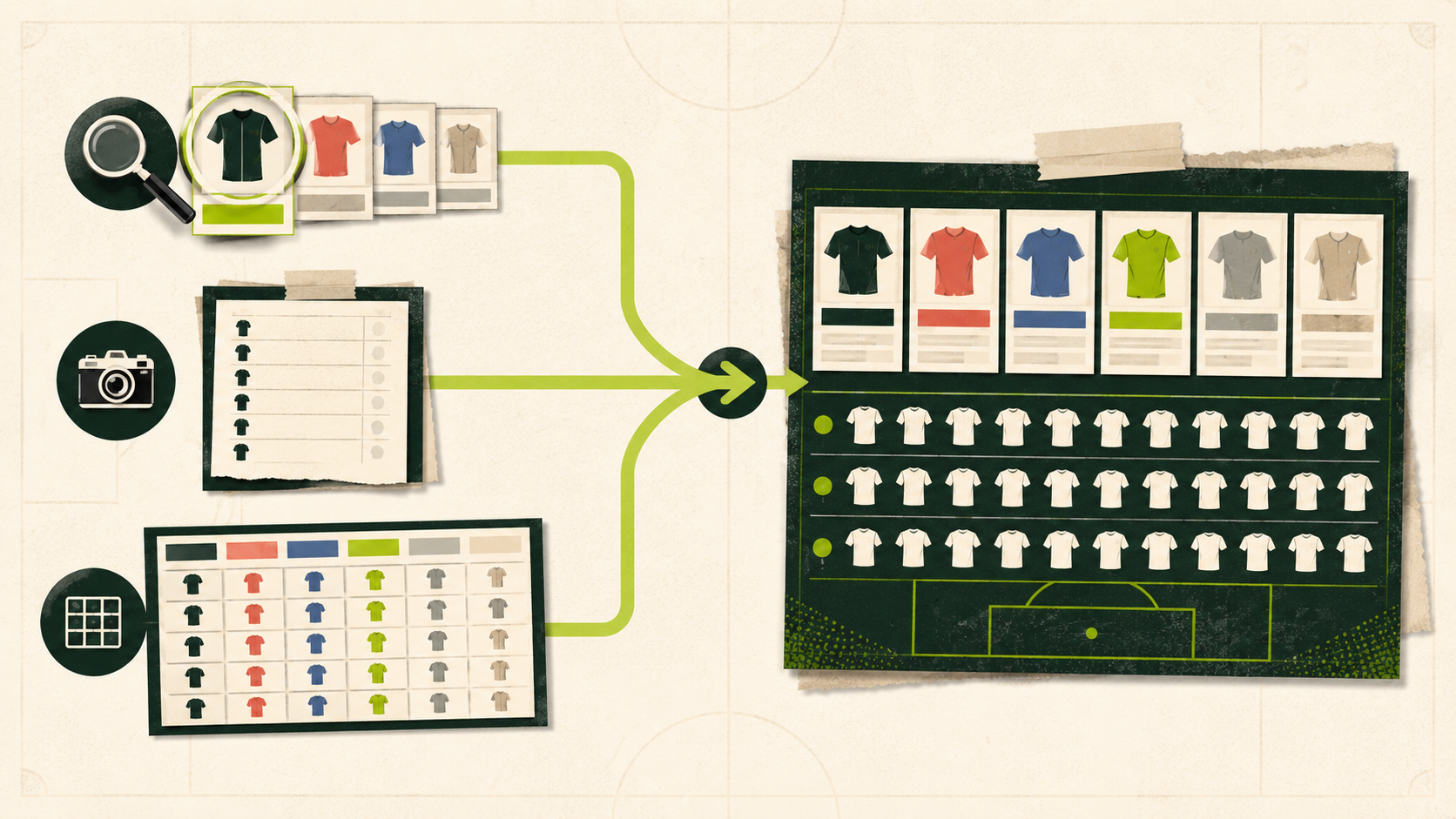
Three ways to add the existing squads
The Offline draft page gives the commissioner three routes. You can use different methods for different teams, which is useful when one manager has a clean written list and another only has a screenshot.
| Route | Best for | How it works |
|---|---|---|
| Search | Adding or correcting individual players | Search the TFF player pool by name, club or position, then add the player to the selected team. |
| Import team | One squad at a time | Paste a list of player names or upload a photo of one team, review the matches and apply them to that TFF team. |
| Import board | A complete league shown in one image | Upload one screenshot containing every team, map each board column to a TFF seat and apply the matched squads. |
Search and pasted lists remain the most dependable options. Photo and board reading are available but they are still a starting point rather than a promise that every name will be read perfectly. There is no CSV or spreadsheet template to prepare.
Review every player match
Pasted and photographed names are matched against TFF's current player pool. A clear name may match automatically, while an ambiguous one can return Pick one with several candidates. A player outside the pool appears as Unmatched, and somebody already assigned elsewhere is marked as a conflict.
Nothing needs to be accepted blindly. You can choose the right candidate, search for a replacement, remove a bad match or clear the team and try again. For a full-board import, check that every source column has been mapped to the correct TFF seat before applying the squads.
Every team must match the league roster
TFF will not activate a partially completed import. Every team needs a full roster for the lineup this league was created with, and that roster must be able to fill the starting slots. The default is 16 players: at least 1 and at most 2 goalkeepers, at least 3 defenders, 3 midfielders and 2 forwards, and enough outfield players for 2 FLEX spots. If this league uses a different shape, match that shape. If the squads you are bringing over are short, add the missing players through Search before submitting.
The status beside each team shows whether its roster is valid. Submit & activate remains unavailable until every team has a legal roster and the draft order is complete. The completed squad rules are:
-
A full roster for this league, 16 by default
-
Goalkeepers: none if the lineup has no GK slot, otherwise at most 2
-
Enough players to fill the starting slots. The default is 3 defenders, 3 midfielders and 2 forwards
-
No more than 7 defenders, 7 midfielders or 7 forwards
-
Enough outfield players to fill this league's FLEX slots, 2 by default
Decide the draft order carefully
Offline draft does not recreate the original pick-by-pick board, but TFF still needs a draft order. The commissioner can move each team up or down before activation. The reverse of that order becomes the league's initial waiver priority, so it is worth matching the original draft order where possible.
Player ownership is saved as part of the completed draft, but the original snake-draft sequence is not. TFF records who owns each player and builds the new league around those squads rather than manufacturing a selection history it cannot verify.
What comes across and what starts fresh
The import is designed to preserve the current competitive position without inventing historical data. If TFF scoring starts after GW1, the commissioner can optionally enter each team's opening wins, losses and ties, with points for and against if wanted. This creates a starting record, not a recreation of every earlier matchup.
| Recorded during TFF setup | Not carried across |
| TFF team names | Original pick-by-pick draft history |
| Current 16-player squads | Previous Gameweek matchups and recaps |
| Commissioner-set draft order | Transaction history |
| Initial waiver priority from reverse draft order | The old platform's waiver order |
| Optional opening record | Cup and playoff progress |
| Chosen TFF scoring and competition settings | TFF schedule and weekly lineups |
The opening record must balance across the league, but previous Gameweek results do not come across individually. TFF generates a new schedule from the scoring start, builds an initial legal lineup for each team and begins tracking activity from that point forward.
Check everything before activation
Progress saves automatically while the commissioner works. Before submitting, check each roster, the seat mapping, the draft order and any opening records. Select Submit & activate only when the whole league is ready. Activation is all-or-nothing and cannot be undone.
Before submission, Abandon clears the staged assignments and returns the league to its full pre-draft state. Membership changes are blocked while staging is active, so a human cannot take over a bot seat mid-import. Abandon the Offline draft, make the membership change and then start it again.
What happens after the league activates?
The league becomes active immediately. If activation finishes before the current TFF Gameweek's earliest assigned kickoff, scoring can begin that Gameweek. If that kickoff has already passed, scoring starts in the next published Gameweek. The commissioner does not choose between the two.
Imported players count as drafted and remain exclusively owned by their assigned teams. The rest of the player pool enters the normal 24-hour post-draft waiver period. Managers can then set their lineups on My Team and make future roster changes through TFF's live waiver, trade and injured-reserve rules.
Bring the group, not just the player list
Importing a league works best when every manager understands the boundary: TFF carries the current squads and an optional starting record, not the old platform's full history. In return, the group can keep the teams it drafted while moving into TFF's scoring, weekly matchups, waivers, cup and playoff structure. The How TFF works import guide shows where the feature fits into the wider product.